MAI Portal
Redesigning BodyMap Analytics and building scalable design systems for MAI’s internal platform
Roles
UX/UI Designer I was responsible for flow iterations, standardizing components, scalability through design systems, UI design, prototyping, and communication with the Frontend Developer
Duration
Company
Team
Tools
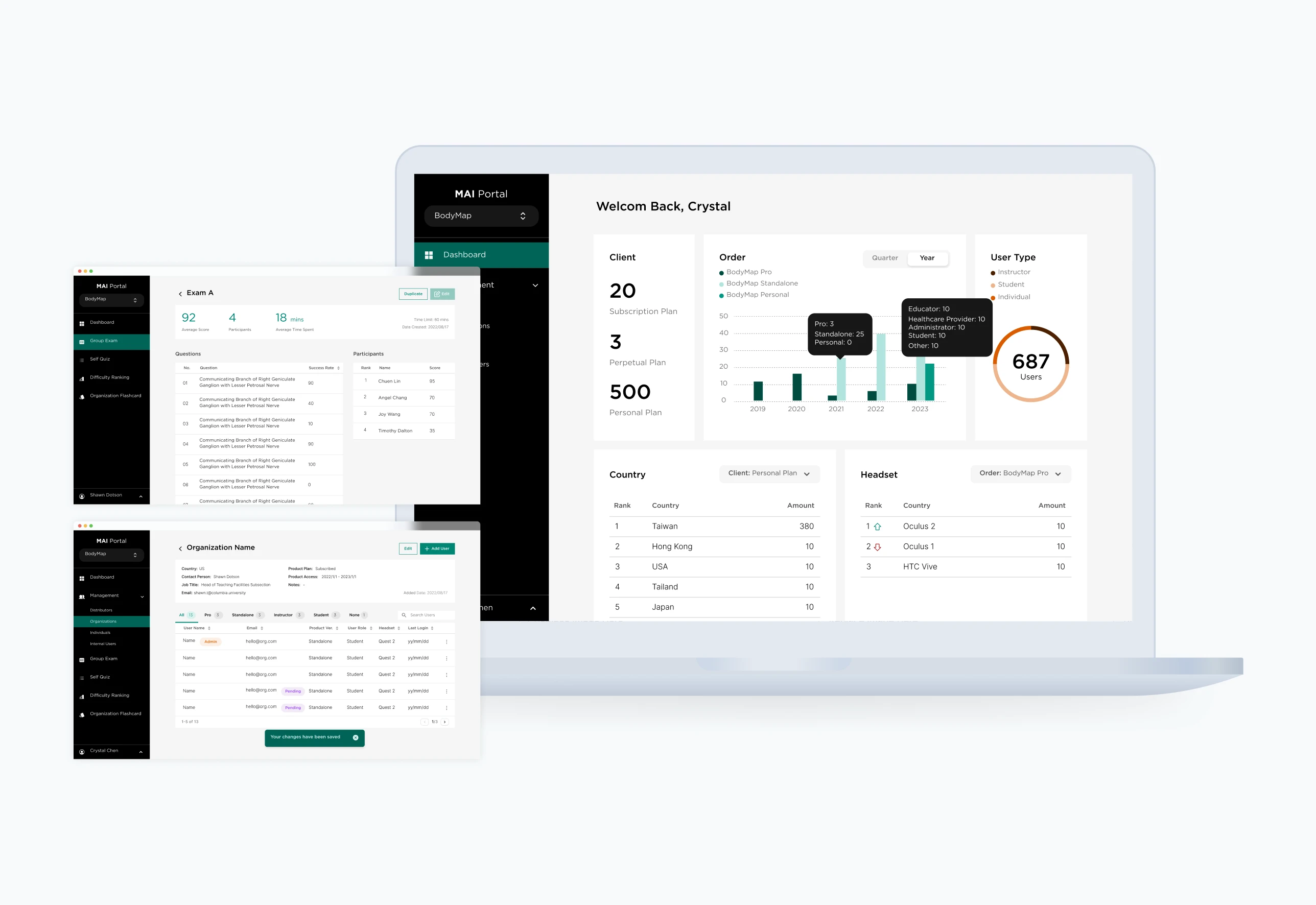
MAI Portal is a web platform that helps administrators and instructors track student learning progress, enhance curriculum design, and prepare exams. As the platform expanded to include VR classroom management and personalized subscriber tools, our team focused on optimizing the user experience and improving overall usability.
The MVP portal successfully launched in early 2023.
🔗 Learn more: https://www.mai.ai/bodymap-tutorials (Sections 12.1–12.4)
Background & Problem
Outdated structure, inconsistent designs, and inefficient workflows hindered usability and scalability
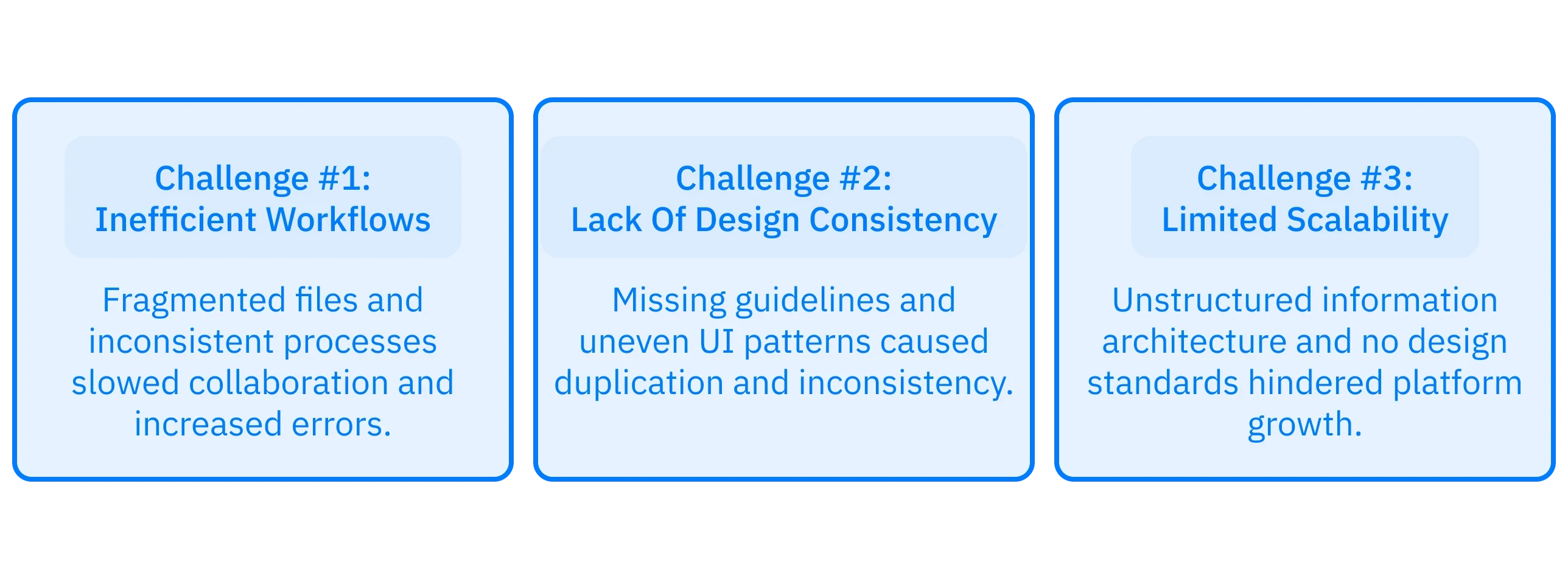
As the platform expanded to support VR classroom and subscriber management features, the existing system struggled to keep up. The portal lacked a cohesive structure, relied on inconsistent UI patterns, and suffered from inefficient workflows that slowed both user tasks and cross-team collaboration. As a result, the product became increasingly difficult to maintain and scale.
These issues surfaced as three core challenges:
Solution
Create an integrated design system comprising configurable and consistent components, including a UI library and Figma UI kit.

Outcome
Currently, the MAI Portal is available exclusively to internal personnel, resellers, and authorized users.
The redesign led to key improvements:

Stakeholder Interviews
Through meetings with Product Manager and Business Development Manager, we identified key business needs and clarified user roles, functional flows, and essential MVP features. This informed the revamped architecture and page structures for each function.
Key challenges:
Complex user types and user flows
No existing design files to reference or build on
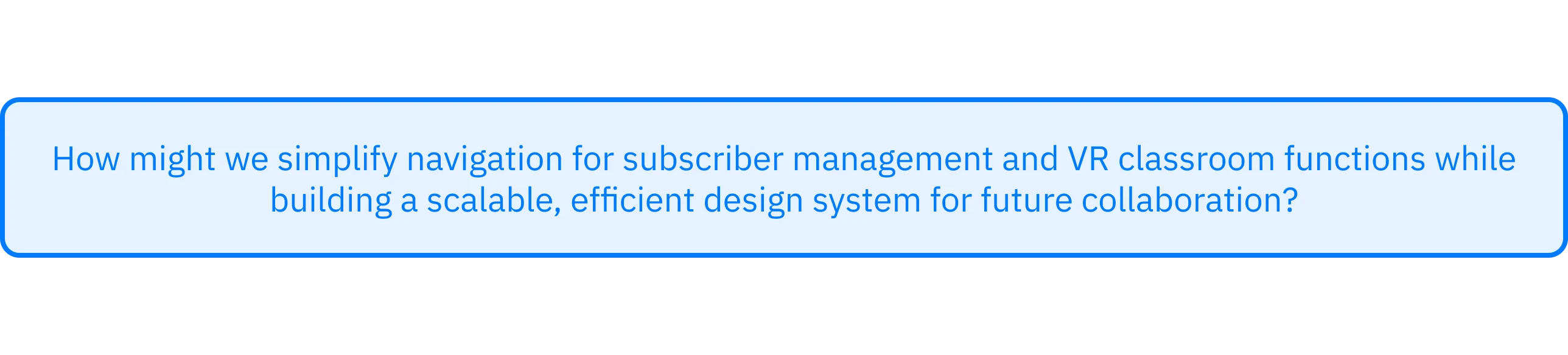
Decision-Making
To address these challenges, we approached the redesign through a structured, iterative process.
Step 1. Identifying User Types and Information Architecture
We began by mapping out key functionalities for each user type. I designed a modular sidebar that grouped tasks by role, improving clarity and consistency in navigation.

Step 2. Organizing Complex User Flows
The initial wireframes were overwhelming due to the platform’s information density. I streamlined them by breaking down interactions into smaller, sequential steps.
To improve cross-team communication, I also established a systematic page numbering and file-naming convention.
Step 3. Creating Consistent Components
Starting from atom-level elements, I built a comprehensive UI kit to ensure consistency, responsiveness, and efficiency.
I identified key components that would be used across the platform. Applying Atomic Design principles (Atoms, Molecules, Organisms, Templates, Pages) enabled scalable and seamless integration of components across the platform.

Step 4. Integrating Components
As the system grew, maintaining consistency became crucial. In collaboration with the design supervisor, we categorized components into:

This structure ensured global updates were automatically reflected throughout the system.
Reflections
This project strengthened my systematic thinking and deepened my understanding of design systems. A is a collection of documented elements that covers UI kit, style guides, UX principles, and the best practices. I learned how to create components more thoughtfully and maintain them with continuity and purpose.
Through this experience, I discovered my passion for design systems. Seeing their impact firsthand inspired me to keep learning from my mentor and the design community about how to better communicate, document, and ensure accessibility within these systems.